Favourites
 Fast Order
 Quick Lists


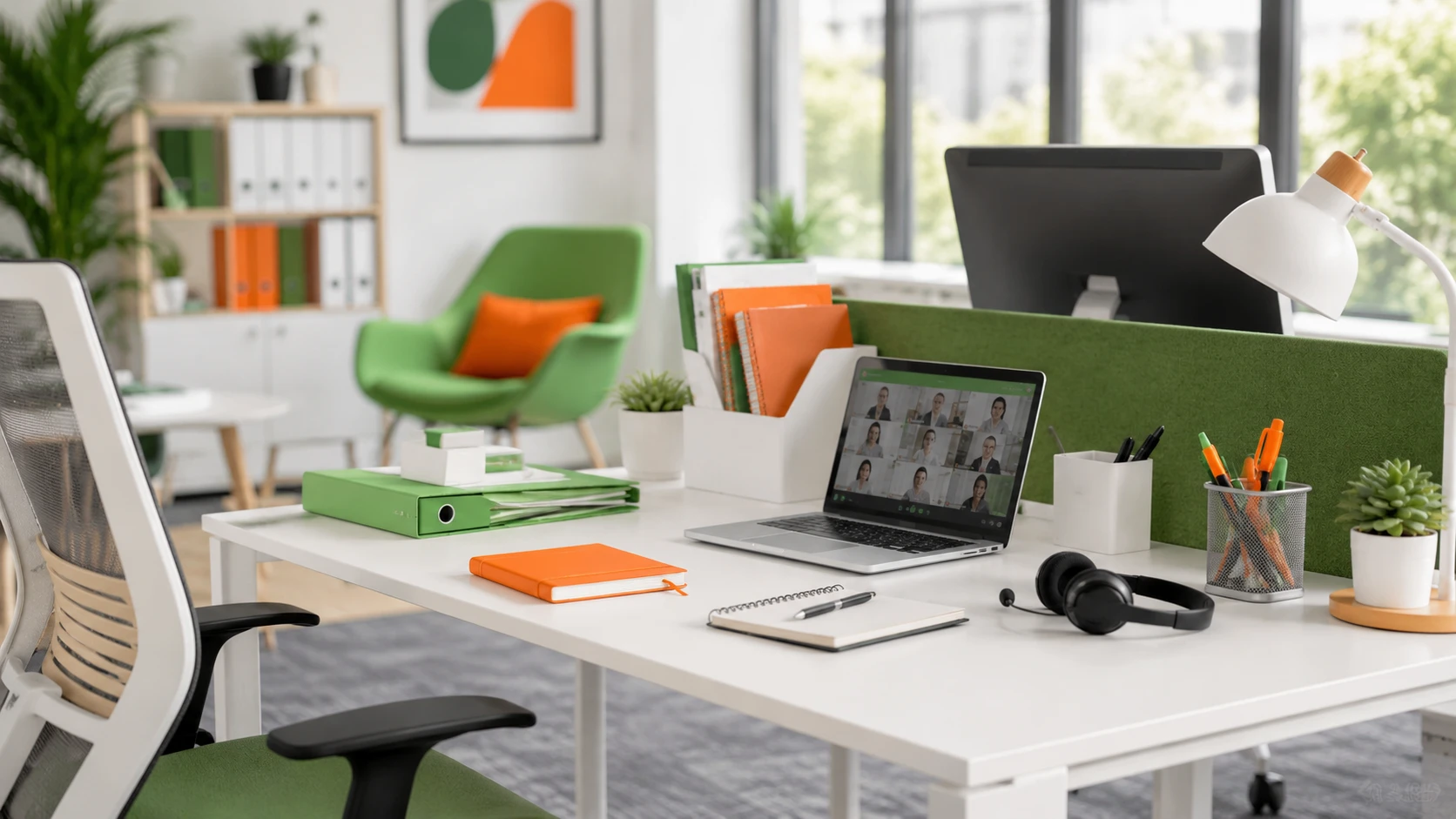
A hybrid office is not simply a traditional office with fewer people in it. It is a workplace designed around flexibility, with staff moving between home, the office and sometimes other locations during the week. That means the office needs to work harder than before. It has to be comfortable, organised, easy to use and worth the journey in.
For many businesses, hybrid working has become the normal way of operating. The challenge is making sure the workplace still supports focus, teamwork, meetings, storage, wellbeing and day to day productivity. A good hybrid office gives people what they need when they are in, without wasting space or overcomplicating the setup.
That means thinking carefully about desks, chairs, storage, meeting rooms, shared supplies, cleaning routines and the small details that make an office feel practical rather than frustrating.
Key Takeaways
- A successful hybrid office needs more planning than a traditional office because people use the space in different ways throughout the week.
- Shared desks should be simple, consistent and easy to use, with the right equipment ready for each person.
- Storage matters more in a hybrid workplace because staff may not have a permanent desk but still need somewhere to keep essential items.
- Meeting spaces need to support both people in the room and people joining remotely.
- Comfort, organisation and ergonomics have a direct impact on how productive people feel when they come into the office.
- Office supplies still matter, but they need to be managed around flexible working habits rather than old routines.
Why a Hybrid Office Needs a Different Approach
A hybrid office has a different purpose to the traditional 5 day workplace. In the past, most people had their own desk, chair, drawer and collection of pens. The office was built around regular attendance and fixed routines.
Hybrid working changes that. Some people may be in 2 days a week, while others may come in for meetings only. Teams may use the office for collaboration, while individual work happens more often at home.
This makes the setup more important, not less. When people do come into the office, they need the experience to be smooth, with working equipment, clean desks and comfortable chairs ready to use.
The office now has to earn the commute
For a hybrid office to work, it needs to offer something people cannot always get at home. That might be better collaboration, proper meeting space, stronger equipment, quieter focus space or a clearer separation between work and home life.
If the office is uncomfortable, cluttered or poorly equipped, people will quickly question why they came in at all. A hybrid office should make the working day easier, not feel like an obligation.
That does not mean every office needs novelty features. It means the basics need to be right: good desks, supportive chairs, reliable meeting spaces, clear storage and easy access to everyday supplies.
Flexible working creates new pressure points
Hybrid working can highlight problems that were easier to ignore before. Desk availability becomes harder to predict, meeting rooms may be overbooked on popular days, and shared items like chargers, notebooks and office stationery may go missing.
There can also be a gap between how managers think the office is used and how people actually use it. A useful-looking room may sit empty, while a quiet corner becomes the unofficial call zone.
The best hybrid office setup starts by recognising these patterns and planning around them.
Start With How People Actually Use the Space
Before changing furniture, buying new supplies or rearranging the office, it helps to understand how the space is used now. A hybrid office should be based on real working habits rather than assumptions.
Look at which days are busiest. Many offices find that midweek days are most popular, while Mondays and Fridays are quieter. If so, the office needs to cope with peak demand rather than average attendance.
It is also worth looking at why people come in. Are they attending team meetings, doing focused work, taking private calls, printing documents, packing orders, meeting clients or working through shared projects?
A simple staff survey can help. Ask what works, what causes frustration and what would make the office easier to use. The answers are often practical: more monitor cables, better chairs, clearer storage, easier access to stationery or proper space for video calls.
These details matter because a hybrid office is about reducing friction. The less time staff spend searching, adjusting, tidying or troubleshooting, the more useful the office becomes.
Create Workstations That Are Easy to Share
Shared workstations are one of the biggest differences in a hybrid office. When desks are used by different people across the week, they need to be simple, consistent and ready to use.
Staff should be able to sit down, connect their laptop, adjust their chair and start work without hunting for basic equipment.
Keep shared desks simple and consistent
Consistency reduces confusion. If every desk has a different setup, people waste time working out what is available and what is missing.
A practical shared workstation may include:
- A suitable desk with enough work surface
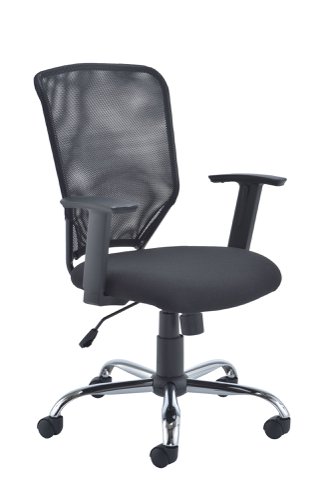
- An adjustable office chair
- A monitor or dual screen setup where needed
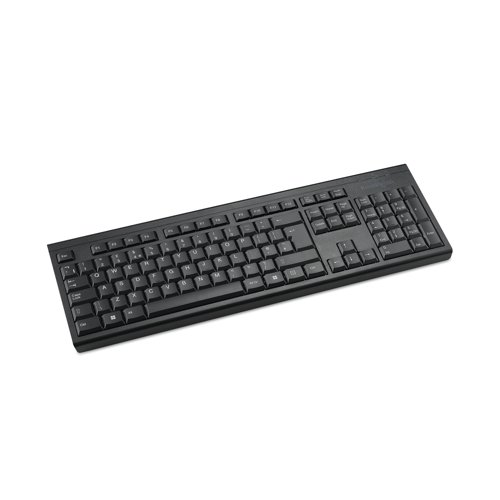
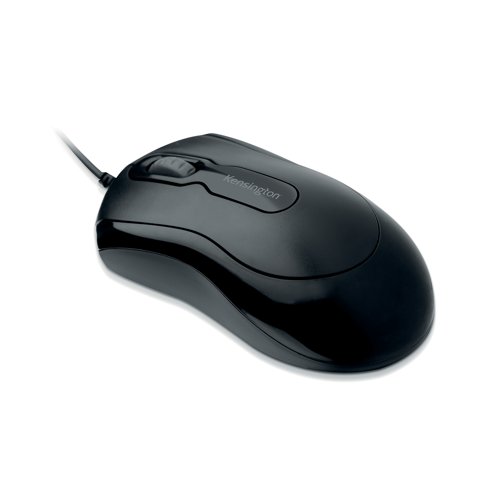
- Keyboard and mouse
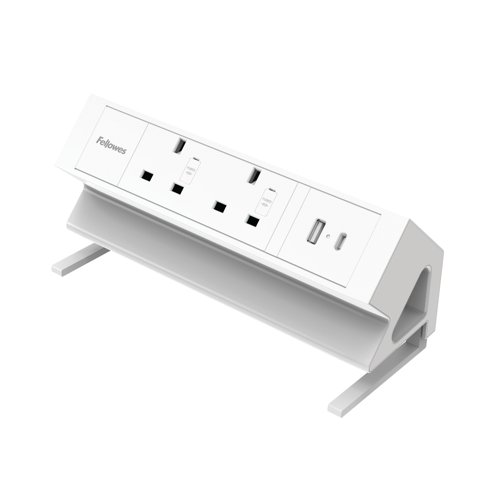
- Easy access to power sockets
- Cable management
- A small amount of basic stationery
- Space for a notebook, phone and drink
The aim is not to overload every desk with supplies. Too much clutter can make shared desks harder to use, so focus on the essentials in a clean, predictable setup.
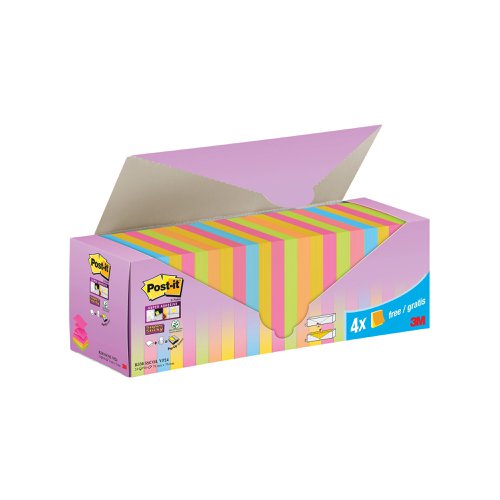
Centralised supplies can work better than personal desk drawers. Keep commonly used items in a nearby shared point, so pens, notebooks, sticky notes, envelopes, labels and printer paper are easy to find without taking over the workspace.
Think carefully about ergonomic setup
Ergonomics become more complicated in a hybrid office because shared desks are used by people of different heights, postures and working styles.
Adjustable furniture and accessories help. Good quality chairs, monitor stands, laptop risers, footrests and sit stand desks can make shared workstations much more flexible without needing to rebuild the whole area each morning.
The basics are worth getting right. Screens should be at a comfortable height, chairs should support posture, and keyboards and mice should be positioned sensibly.
Comfort is not a luxury in a hybrid office. If staff only come in a few times a week and leave uncomfortable, the office experience quickly becomes negative.
Make cleaning part of the desk routine
Shared desks also need a simple cleaning routine. The aim is to make sure each person arrives at a desk that feels fresh and ready to use.
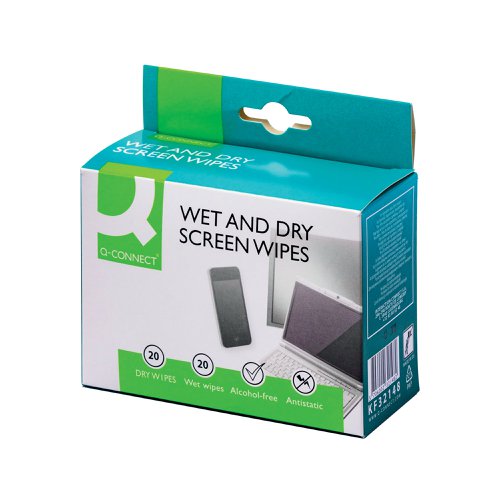
Desk wipes, hand sanitiser, screen cleaning products and nearby bins can all help. Staff should also understand that a shared desk should be left clear at the end of the day.
A tidy desk is easier to use, easier to clean and more welcoming for the next person.
Plan Storage for People Who Come and Go
Storage is often overlooked in hybrid office planning. In a traditional office, people usually have a fixed desk, drawer or pedestal. In a hybrid office, that may no longer be true.
People still need somewhere for notebooks, headsets, chargers, printed documents, stationery, personal items, work samples or project folders. Without proper storage, those items end up scattered across desks, meeting rooms and shared cupboards.
Personal storage reduces clutter
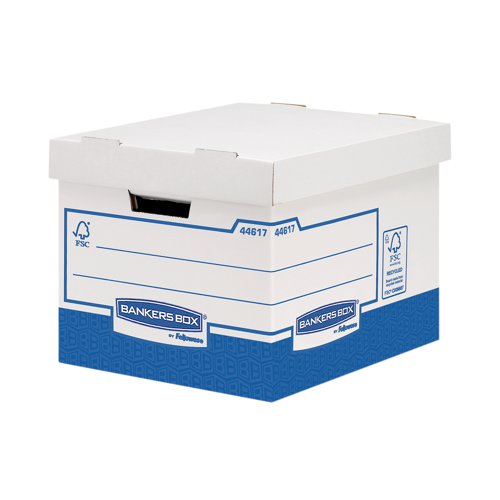
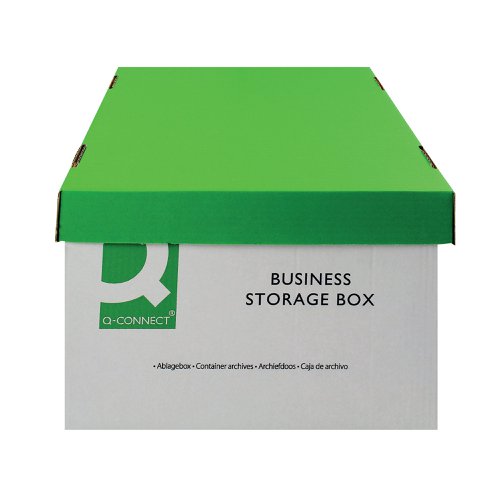
Personal storage gives staff a place to keep essential items without needing a permanent desk. This could include lockers, storage boxes, labelled shelves or small mobile pedestals.
The right option depends on the business. A larger office may need lockers, while a smaller team may only need clearly labelled storage areas. The key is to avoid belongings floating around the office.
Personal storage can also help people feel more settled. Hybrid working is flexible, but staff should not feel like visitors in their own workplace.
Shared supplies need a proper home
Shared supplies are another important part of a well organised hybrid office. If stationery, paper, envelopes, labels, files and printer supplies are spread across different areas, people waste time searching or reorder items the business already has.
A central supply area keeps things clearer. A labelled cupboard, storage wall or set of drawers can work well, as long as everyone knows where things belong.
This also makes ordering easier. When supplies have a proper home, it is much easier to see what is running low and avoid both shortages and overbuying.
For example, MGM Office Supplies works with businesses across Ireland that need everyday workplace essentials, from stationery and printer supplies to office furniture. In a hybrid office, organising those categories properly matters just as much as having them available.
Make Meeting Spaces Work for Everyone
Meetings are often where hybrid working succeeds or fails. A hybrid office might have excellent desks and comfortable chairs, but awkward meetings can make the whole setup feel broken.
Meetings now often include a mix of people in the room and people joining remotely, so the space needs to support both groups fairly.
Equip rooms for mixed attendance
A good hybrid meeting room needs more than a table and a screen. Remote attendees need to hear clearly, see who is speaking and feel included, while people in the room need to collaborate without technical problems slowing things down.
Useful meeting room items may include:
- A suitable display screen
- Webcam or conference camera
- Speaker and microphone setup
- Whiteboard or flipchart
- Markers, pens and notepads
- Reliable power access
- Presentation cables or wireless sharing tools
- Clear room booking information
The room does not need to be overcomplicated, but it does need to be reliable. Small technical issues can quickly drain energy from a meeting.
Create smaller spaces for quick calls
Not every call needs a large meeting room. In many hybrid offices, staff spend more time on video calls than they used to, and open plan desks can quickly become noisy.
Smaller call spaces can help. These might be phone booths, small meeting rooms, quiet pods or informal areas away from the main desk space.
This also protects focus for people who are not on calls.
Keep the Office Comfortable, Practical and Productive
A hybrid office should be easy to work in. Poor lighting, uncomfortable chairs, cluttered desks, empty printers, missing supplies and noisy call areas can all make the office feel harder than it needs to be.
Productivity is also about removing unnecessary barriers. If people can find what they need, sit comfortably, join meetings easily and move between tasks without friction, they are more likely to have a productive day.
The office should support different types of work, from quiet focus and collaboration to meetings, breakout sessions and project work.
Small details make the biggest difference
The little details often shape how people feel about the office: a working printer, an adjustable chair, a clean desk, a stocked stationery area, enough mugs, clear signage and cables that are not tangled behind the desk.
These things may not sound exciting, but they matter. A hybrid office does not need to feel flashy. It needs to feel considered.
Break areas also play a role. Tea, coffee, catering supplies, comfortable seating and a tidy environment all contribute to the overall experience.
The best hybrid office setups are practical rather than overdesigned. They help people get on with their work and leave feeling that the trip into the office was worthwhile.
Avoid Overbuying by Managing Supplies Smarter
Hybrid working can make office supply management harder to predict. Some items may be used less, while others are needed more because desks, meeting rooms and shared spaces need to be reset regularly.
The answer is not to stop buying supplies. It is to manage them more carefully.
Track what is used most often
A hybrid office may change which products are most important. Printer paper may last longer, while cleaning wipes, meeting room supplies, replacement cables, mouse mats or ergonomic office accessories may need topping up more often.
Tracking usage helps businesses avoid waste and spot gaps before they become frustrating.
A simple monthly check can work well. Look at what has been used, what keeps running out and what sits untouched. Over time, this creates a more accurate picture of what the hybrid office really needs.
Standardise where it makes sense
Standardisation can make a hybrid office easier to manage. If desks use the same monitors, cables, chairs and accessories, they are easier to maintain. If meeting rooms use similar supplies, staff know what to expect.
This does not mean every area has to be identical. It means the core items should be predictable, which saves time, reduces waste and makes the office feel more organised.
Bring It All Together With Clear Office Habits
A hybrid office is not only created through furniture and supplies. It also depends on habits. Even the best designed office can become frustrating if people leave desks messy, forget to book meeting rooms, remove shared equipment or fail to restock basic supplies.
Simple habits make the system work. Staff should know how to book desks or rooms, clear shared desks after use, return supplies to the right place, store personal items properly and report missing or damaged equipment.
These habits do not need to feel strict. They should make the office easier for everyone and help prevent everyday frustrations.
A good hybrid office gives people flexibility without creating chaos. It supports the way teams work now, while keeping the workplace comfortable, organised and productive.
FAQs
What is a hybrid office?
A hybrid office is a workplace designed for people who split their time between working from home and working in the office. It usually includes shared desks, flexible meeting spaces, storage, technology for remote collaboration and practical systems that help staff use the office easily on the days they come in.
The aim is to create an office that supports different working patterns rather than assuming everyone is in the same place every day.
What should a hybrid office include?
A hybrid office should include comfortable workstations, ergonomic chairs, reliable meeting spaces, storage for staff belongings, shared office supplies, cleaning products and good access to technology.
It should also include spaces for different types of work. That may mean quiet areas, collaboration spaces, video call rooms and breakout areas. The exact setup will depend on the size of the business and how often staff use the office.
How do you organise desks in a hybrid office?
Desks in a hybrid office should be organised around flexibility and ease of use. Many businesses use hot desking or shared desks, supported by clear booking habits and consistent workstation setups.
Each desk should be clean, comfortable and equipped with the basics people need to work properly. Personal storage should be provided separately so desks do not become cluttered with individual belongings.
What supplies are most important for hybrid working?
Important supplies for hybrid working include stationery, notebooks, printer paper, ink and toner, cleaning wipes, hand sanitiser, storage products, labels, meeting room supplies and ergonomic accessories such as laptop stands or monitor risers.
The most important thing is not simply having more supplies. It is making sure the right supplies are available in the right places.
How can a hybrid office improve productivity?
A hybrid office can improve productivity by giving staff the right environment for the task. The office can support collaboration, meetings, focused work and team connection, while home working may support quieter individual tasks.
When the office is well organised, staff spend less time searching for equipment, setting up desks or dealing with small frustrations. That creates a smoother working day and makes the office more useful for everyone.