 Favourites
 Fast Order
 Quick Lists


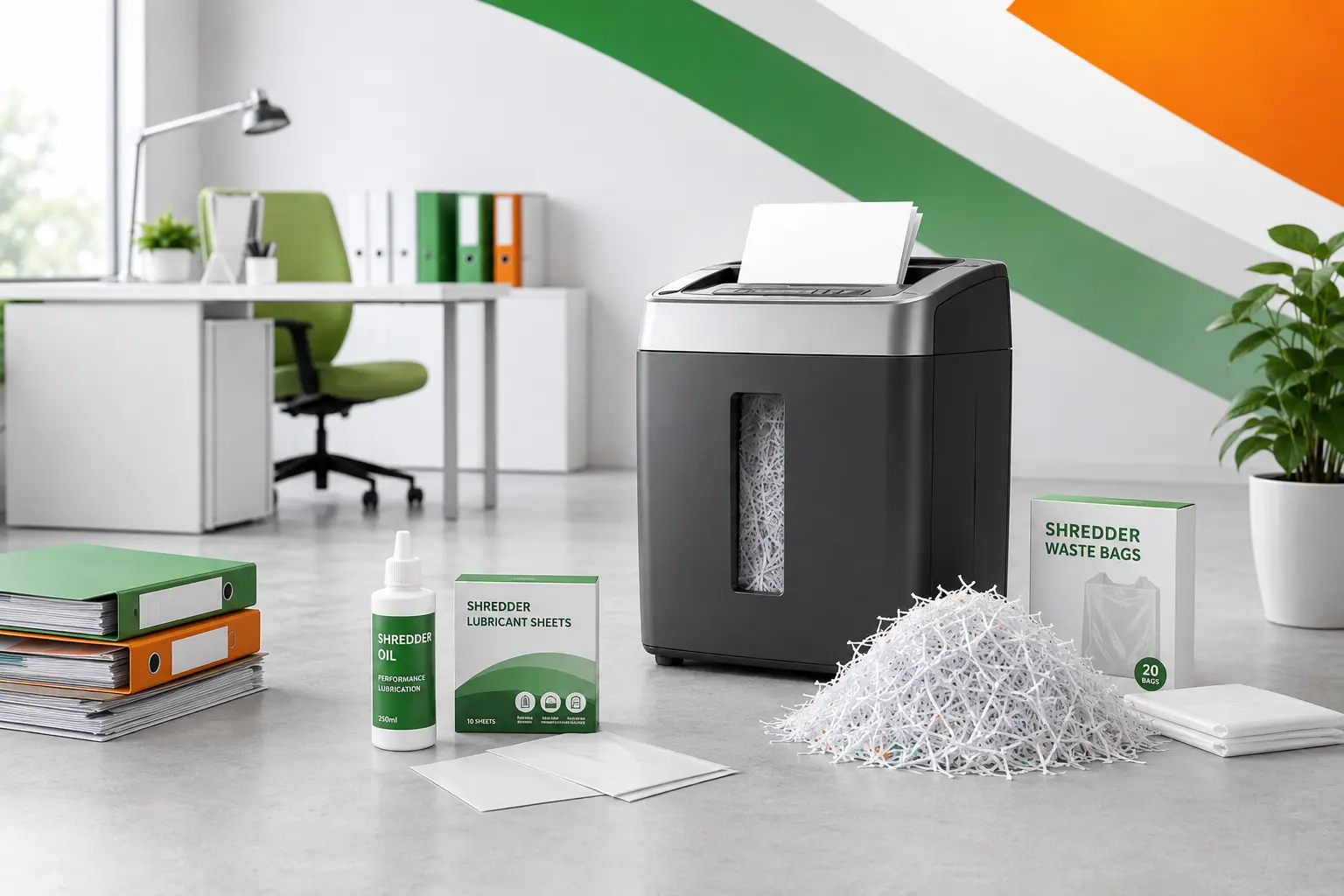
Choosing the right paper shredder can make a real difference to how securely and efficiently an office handles confidential paperwork. Options range from compact personal machines to high-capacity auto-feed models built for busy departments. The best choice depends on how much paper you need to shred, how many people will use the machine and the level of security your documents require.
A small office does not always need the cheapest or smallest shredder. Equally, a large machine can be unnecessary if it spends most of the week gathering dust. This guide explains the differences clearly, so you can choose a shredder that fits the way your office actually works.
Key Takeaways
- Choose the shredder by the number of users and the busiest likely shredding session, not only by the size of the office.
- Personal shredders suit individual or occasional use. Department shredders are designed for shared and higher-volume workloads.
- Strip cut provides basic destruction, while cross cut and micro cut offer greater protection for confidential paperwork.
- Sheet capacity, run time and bin size have a major effect on how convenient a shredder is to use.
- Auto-feed can save time when staff regularly need to destroy larger stacks of documents.
- Regular emptying and suitable lubricant help keep the cutters working properly and reduce the chance of jams. Suitable waste bags also make emptying a shared machine easier.
MGM Office Supplies carries personal, department and office shredders, together with lubricant and waste bags, so the full setup can be matched to the workplace rather than choosing the machine in isolation.
What Type of Paper Shredder Does Your Office Need?
The first decision is not the brand or even the security level. It is whether the machine is intended for 1 person, a small group or a whole department.
A shredder that feels perfectly capable beside 1 desk may become a bottleneck when 8 people share it. The reverse is also true. Buying a high-capacity department model for a quiet home office can take up valuable floor space and leave you paying for performance you never use.
Personal Shredders for Individual and Home Office Use
A personal shredder is usually designed for 1 regular user or light use by a very small team. It is typically compact enough to sit beside or underneath a desk, with a smaller bin and a shorter working cycle than a department model.
This type of paper shredder works well when documents are destroyed little and often. Typical examples include old invoices, printed emails, delivery paperwork, customer notes and occasional financial records. Feeding a few sheets at the end of the day is very different from arriving with a box of archived files on Friday afternoon.
Do not assume that “personal” means low security. MGM’s personal range includes strip cut, cross cut, mini cut and micro cut machines. There are basic 6 and 8-sheet options, along with higher-security models intended for confidential paperwork.
The main limitations are usually sheet capacity, bin size and run time. These are not faults. They are signs that the machine has been built for a lighter workload. Problems begin when a personal shredder is expected to perform like a department machine every day.
Department Shredders for Shared Office Use
Department shredders are built for regular use by several people. They tend to have stronger motors, larger bins, longer run times and higher sheet capacities. Many are mounted on castors so they can be positioned near a shared print area, accounts team or records room.
This category also includes auto-feed machines. Instead of standing beside the shredder and feeding a few sheets at a time, the user places a stack into a tray and leaves the machine to work through it. MGM’s current department range includes manual and auto-feed options, with models designed for stacks of 50, 100, 150 sheets and considerably more.
A department shredder is usually the better choice when:
- Several employees use the same machine
- Shredding happens throughout the working day
- Staff regularly clear larger files
- The bin on the current shredder is constantly full
- The machine frequently overheats or needs a long cool-down
- Employees are wasting time feeding small batches by hand
The best clue is often your existing routine. A neat pile of “documents to shred later” beside the machine usually means the current setup is too slow, too small or too inconvenient.
Choose the Right Cut Type and Security Level
Shredders are commonly described as strip cut, cross cut, mini cut or micro cut. These terms refer to the size and shape of the pieces left behind.
Security levels are also shown using a P rating. The higher the number, the smaller the particles and the harder the document is to reconstruct. Fellowes places strip cut machines mainly at P-1 and P-2, cross cut at P-3 and P-4, mini cut at P-4 and micro cut at P-5.
Strip Cut Shredders
A strip cut shredder slices each page into long narrow strips. It is quick and simple, but it offers the lowest level of document security.
This type can be suitable for non-confidential paperwork such as outdated leaflets, blank forms or general material that contains no personal or commercially sensitive information. It is a less suitable choice for customer data, payroll details, account information or internal reports.
Strip cut products remain available because not every piece of paper carries the same risk. They can also offer useful capacity for general waste. The important part is making sure employees understand what may and may not go through the machine.
For most offices handling personal or confidential details, a cross cut shredder is a more practical starting point.
Cross Cut Shredders
A cross cut shredder cuts the page in 2 directions. Instead of producing long strips, it creates much smaller pieces. This makes the original document harder to read or reassemble.
Cross cut machines commonly sit at P-3 or P-4. A P-4 paper shredder is suited to sensitive personal or confidential material such as account numbers, invoices and customer information. It gives many offices a sensible balance between security, speed, capacity and cost.
This is why cross cut is so common across personal and office shredder ranges. It works well for everyday documents without automatically pushing the buyer towards the highest-security machine available.
When comparing cross cut models, check the actual P level rather than relying on the cut description alone. 2 machines can both be described as cross cut while producing different particle sizes.
Micro Cut Shredders
A micro cut shredder reduces paper into much finer particles. P-5 machines are intended for highly confidential information such as strategic documents, detailed financial records and sensitive management material.
This higher level of security may be worthwhile for HR, finance, legal work, senior management and organisations dealing with particularly sensitive records. It can also provide reassurance where confidential documents are handled frequently rather than occasionally.
There are trade-offs. Micro cut machines may have a lower manual sheet capacity than a similarly sized cross cut model. They can also require regular lubrication because the cutting mechanism is doing more work. Auto-feed micro cut shredders help offset the capacity issue by processing larger stacks with less supervision.
MGM’s ranges include personal micro cut machines and department auto-feed models at P-5, which means higher security is available for both small workspaces and larger teams.
Features to Compare Before Buying
Once the cut type is settled, the practical specifications matter most. This is where 2 apparently similar paper shredders can behave very differently in daily use.
Sheet Capacity, Run Time and Auto Feed
Sheet capacity is the maximum number of sheets the machine can accept in 1 pass. A personal shredder might take 6 to 10 sheets, while larger office models can handle more.
Treat the stated capacity as a limit, not a target to hit every time. Folded pages, heavier paper and thick print coverage can place extra strain on the cutters. Feeding slightly smaller batches often gives smoother results and fewer jams.
Run time tells you how long the machine can operate before it needs to cool. A short run time is fine for occasional desk-side use. It is frustrating when several people are clearing old files. Check both the working time and the cool-down period, especially for a shared office shredder.
Auto-feed is worth considering when time is the main problem. It allows a stack to be loaded into the machine while the employee gets on with something else. Some models also retain a manual slot for quick everyday use. MGM’s department category includes auto-feed machines at several capacities, while its personal range includes smaller hybrid options for home offices and individual users.
Bin Size, Noise, Safety and Materials
A small bin is easy to fit under a desk but needs frequent emptying. A large pull-out bin is more convenient for shared use, although the shredder itself will occupy more space. A viewing window or full-bin indicator helps prevent shredded paper from packing around the cutters.
Noise is worth checking if the machine will sit in a reception area, meeting room or open-plan office. A shredder may only run for a few minutes at a time, but those can feel like very long minutes when someone is on the phone beside it.
Useful safety and convenience features include:
- Automatic reverse
- Jam detection
- Overheat protection
- Safety locks or touch-sensitive shut-off
- Bin-full indicators
- Energy-saving standby
- Castors
- Pull-out waste bins
Check which materials the machine accepts. Some shredders handle staples, small paper clips and plastic cards. Others have separate slots for cards or discs. Product instructions should always take priority because forcing the wrong material through the cutters is an efficient way to turn a useful office machine into a very expensive bin.
Maintaining Your Paper Shredder
Most paper shredder problems are caused by overfeeding, full bins, unsuitable materials or neglected cutters. A little routine care is considerably easier than wrestling with a jammed machine while holding half a confidential invoice.
Empty the bin before the paper becomes tightly packed. When waste rises close to the cutting head, it can be pulled back into the mechanism. Use the correct shredder waste bags where the shredder is designed for them, and keep plastic cards or other non-paper material separate if required. MGM supplies dedicated shredder waste bags, including large Safewrap bags for office collection.
Cross cut and micro cut machines benefit from regular lubrication. Manufacturer instructions vary, so check the guidance for the model rather than using a random household oil. Fellowes recommends lubricating a shredder whenever the bin is emptied or at least twice a month, and warns against aerosol oils because they can present a fire risk. Lubricant sheets offer a cleaner alternative to applying bottled oil directly.
For day-to-day use:
- Stay below the maximum sheet capacity
- Feed paper straight into the opening
- Remove large clips and unsuitable fasteners
- Let the motor cool when required
- Use reverse mode for minor jams
- Switch off and unplug the shredder before attempting any manual clearing
- Follow the manufacturer’s lubrication method
Good maintenance will not turn a light personal shredder into a heavy-duty office model. It will, however, help the right machine perform as intended for longer.
Paper Shredder Ireland FAQs
Can a shredder handle staples and paper clips?
Some can, but not all. Check the specification. Even where small staples are accepted, removing large clips reduces unnecessary strain.
What causes a paper shredder to jam?
Common causes include overfeeding, inserting folded or heavy material, allowing the bin to overfill and using items the machine was not designed to shred.
Are auto-feed shredders worth it?
They are valuable when staff regularly destroy larger stacks. For occasional use, a good manual-feed machine may be simpler and more economical.
What size bin should an office choose?
Pick a bin that matches the volume and number of users. A larger bin reduces interruptions, while a compact bin is easier to position beside an office desk.


